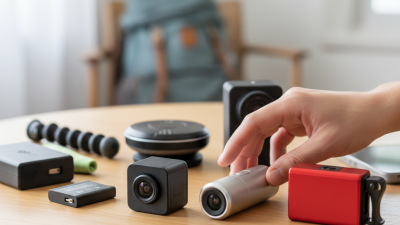
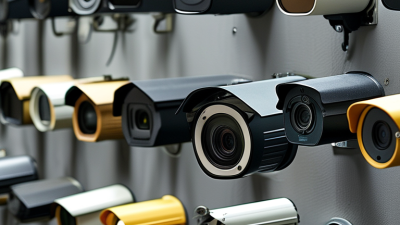
10 WiFi Hidden Camera Buying Tips for Global Buyers?
Buying a Wifi Hidden Camera for international use requires more than checking image resolution. The right choice must balance privacy, security, reliability, and lawful operation. Use it only where monitoring is permitted, with clear consent when required. A discreet design should never become an excuse for secret surveillance.
Security technology expert Bruce Schneier once said, “Security is a process, not a product.” That principle matters here. Check whether the camera supports WPA2 or WPA3 encryption, strong password controls, firmware updates, and two-factor authentication. Avoid models that force unknown cloud services or collect unnecessary personal data. A secure local-storage option may reduce exposure, but memory cards can still be lost or copied.
Network conditions also deserve close attention. A camera may advertise high definition, yet perform poorly through concrete walls or crowded 2.4 GHz networks. Test its night image beside a dark doorway, not only in bright showroom pictures. Review battery duration, charging time, heat, microphone settings, and app stability. Confirm voltage compatibility before international delivery. Look for relevant certifications, clear warranty terms, and a practical return process in your destination market.
No checklist is flawless. Marketing language can hide weak privacy controls. Some “mini” models need frequent charging. That can become frustrating quickly. These ten buying tips help global buyers compare real performance instead of attractive packaging. A responsible purchase protects both the user and the people recorded. That standard should remain non-negotiable.
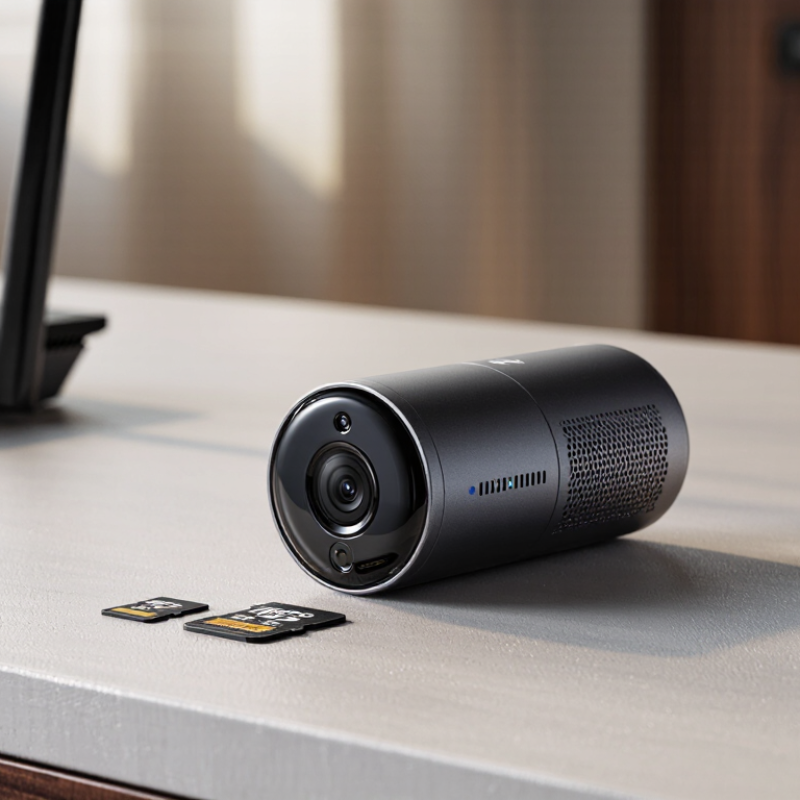
Define Your Purpose and Legal Responsibilities
Before buying a WiFi camera, define the exact purpose. Purpose comes first. Is it monitoring an entryway, checking equipment, or protecting an empty property? A visible security camera is often safer and more acceptable than a concealed device. Avoid bedrooms, bathrooms, changing areas, and other private spaces. Get written consent when people may be recorded. Rules differ between countries, regions, workplaces, and rental properties.
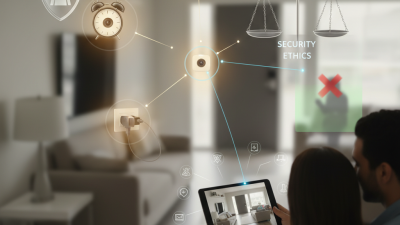
Global buyers should check local privacy regulations before ordering. Some places require clear notices, limited recording, or consent from everyone captured. Audio recording can create stricter obligations than video. Contact a qualified privacy lawyer or local regulator if the situation is unclear. Product descriptions rarely explain every legal responsibility. That is an easy mistake.
Use strong account protection, unique passwords, and encrypted connections. Store footage only as long as necessary. Check whether cloud data crosses national borders. Ask where recordings are stored, who can access them, and how deletion works. Test the camera in a controlled room before installation. I once underestimated how much a small status light could reveal about placement. That detail changed my setup. It also reminded me that convenience should not replace careful judgment. Keep it simple. A camera should solve a clear security problem without turning someone’s private life into unwanted evidence.
Compare WiFi Connectivity, Video Quality, and Recording Options
For global buyers, WiFi stability matters more than a dramatic megapixel number. Cisco’s Annual Internet Report forecast 29.3 billion connected devices worldwide by 2023, increasing household network congestion. Choose dual-band WiFi, WPA2 or WPA3 security, and a camera with clear connection-status alerts. The 2.4 GHz band reaches farther through walls, while 5 GHz usually delivers faster local streaming. Test the camera near its final location. A strong signal is not guaranteed.
Video quality depends on lighting, lens design, and compression, not resolution alone. Grand View Research valued the global video surveillance market at about 53.7 billion dollars in 2023, showing how quickly visual monitoring technology is expanding. For indoor detail, 1080p can be sufficient, but a wide-angle lens may distort faces near the edges. Infrared night vision should show a nearby face without turning it into a gray blur. I would not trust a glossy 4K claim alone. The real weakness is often poor low-light performance.
Recording choices affect cost, privacy, and reliability. Local microSD recording avoids recurring fees, but cards can fail or fill quickly. Cloud storage supports remote backup, yet it depends on upload speed and account security. Continuous recording uses much more space than motion-triggered clips. A 128GB card may hold several days, depending on bitrate and activity. Check overwrite settings, export formats, time stamps, and notification delays. Use these devices only with informed consent and within applicable privacy rules. Convenience can hide risk.
Evaluate Camera Size, Placement, Power, and Battery Life
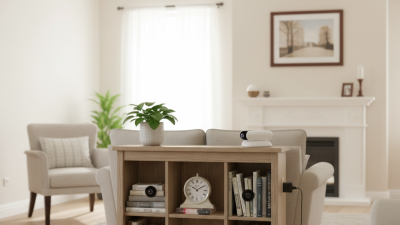
A WiFi hidden camera should be judged by more than its tiny appearance. A smaller body may fit behind a shelf edge, but it can produce weaker night images and limited heat control. Check the lens angle, focus range, and low-light performance before choosing a compact model. A camera facing a doorway needs different coverage from one watching a storage area. Placement should never include bedrooms, bathrooms, changing areas, or other private spaces. Use any recording device only with lawful permission and clear consent. Rules differ across countries, so verify local privacy requirements before purchase.
Power planning is equally important. A wired camera offers steadier operation, but its cable can reveal the device and restrict placement. Battery models look cleaner, yet frequent charging may interrupt monitoring. Ask how long the battery lasts with motion alerts, live viewing, and night vision enabled. Marketing figures often reflect ideal laboratory conditions. Real rooms are less predictable. Walls weaken WiFi signals, cold weather reduces battery performance, and repeated alerts can drain power quickly. Test the camera near its final location, not beside the router. Also check encryption, account security, firmware support, and whether recordings stay under your control. Small oversights matter.
10 WiFi Hidden Camera Buying Tips for Global Buyers
Evaluate camera size, placement, power requirements, and battery life before buying. The chart shows practical reference values commonly used when planning a compact WiFi camera installation.
Reference values: approximately 35 mm body width, 2 m mounting height, 5 V USB power input, and 6 hours of continuous battery operation. Actual specifications vary by camera design, resolution, wireless signal strength, recording mode, and local safety regulations. Use cameras only with proper consent and in lawful locations.